Dispatch
A links panel for SketchUp textures.
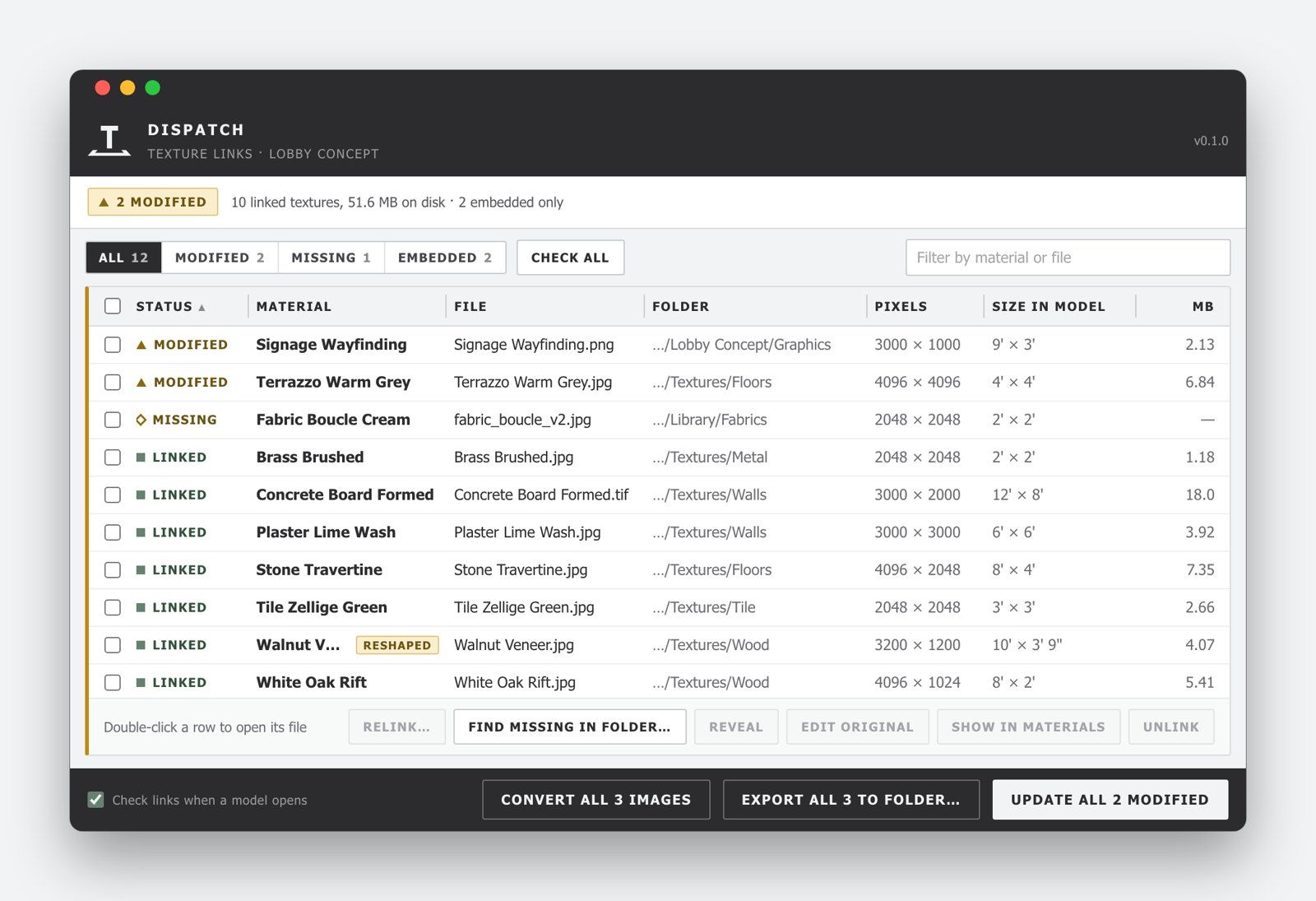
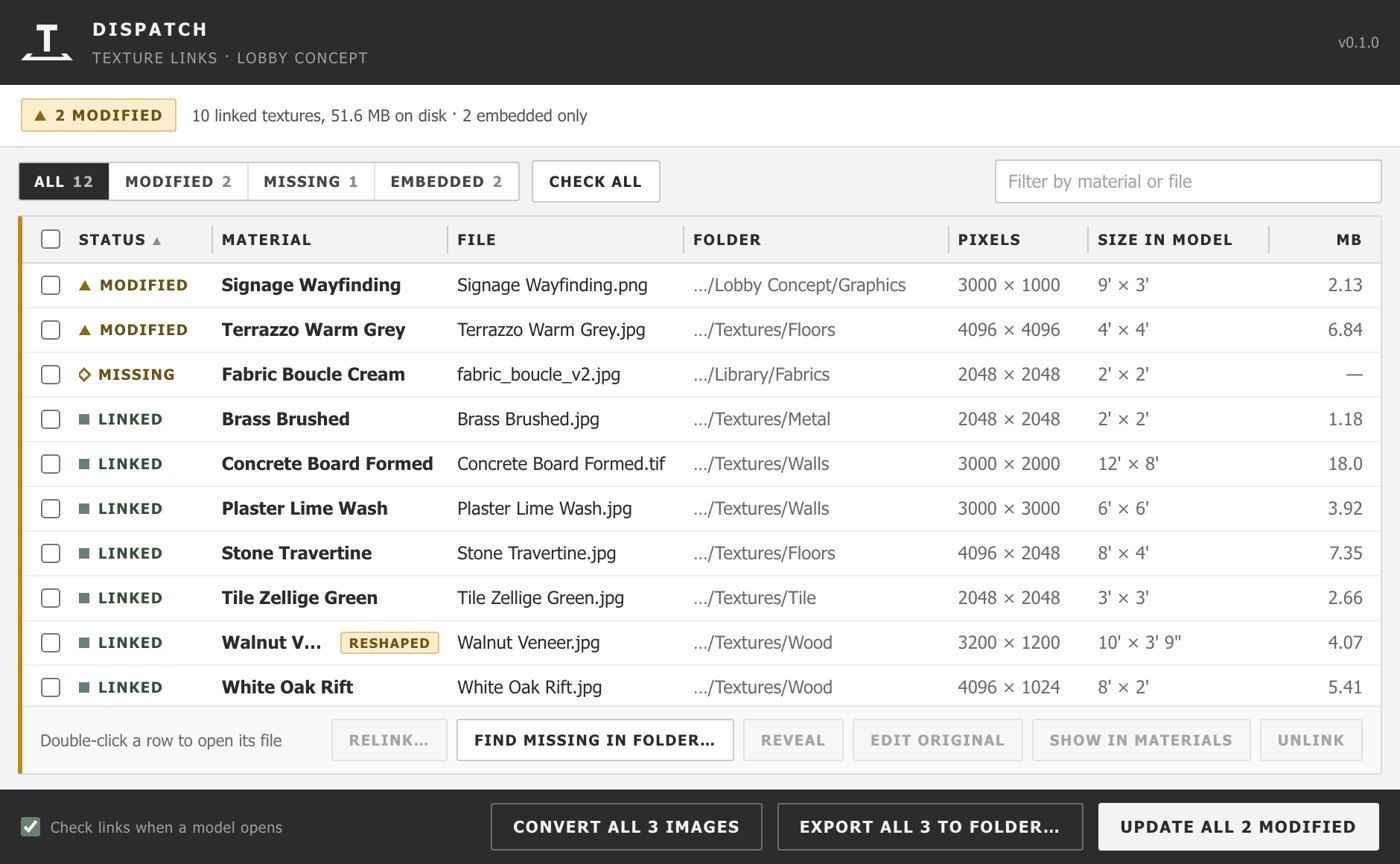
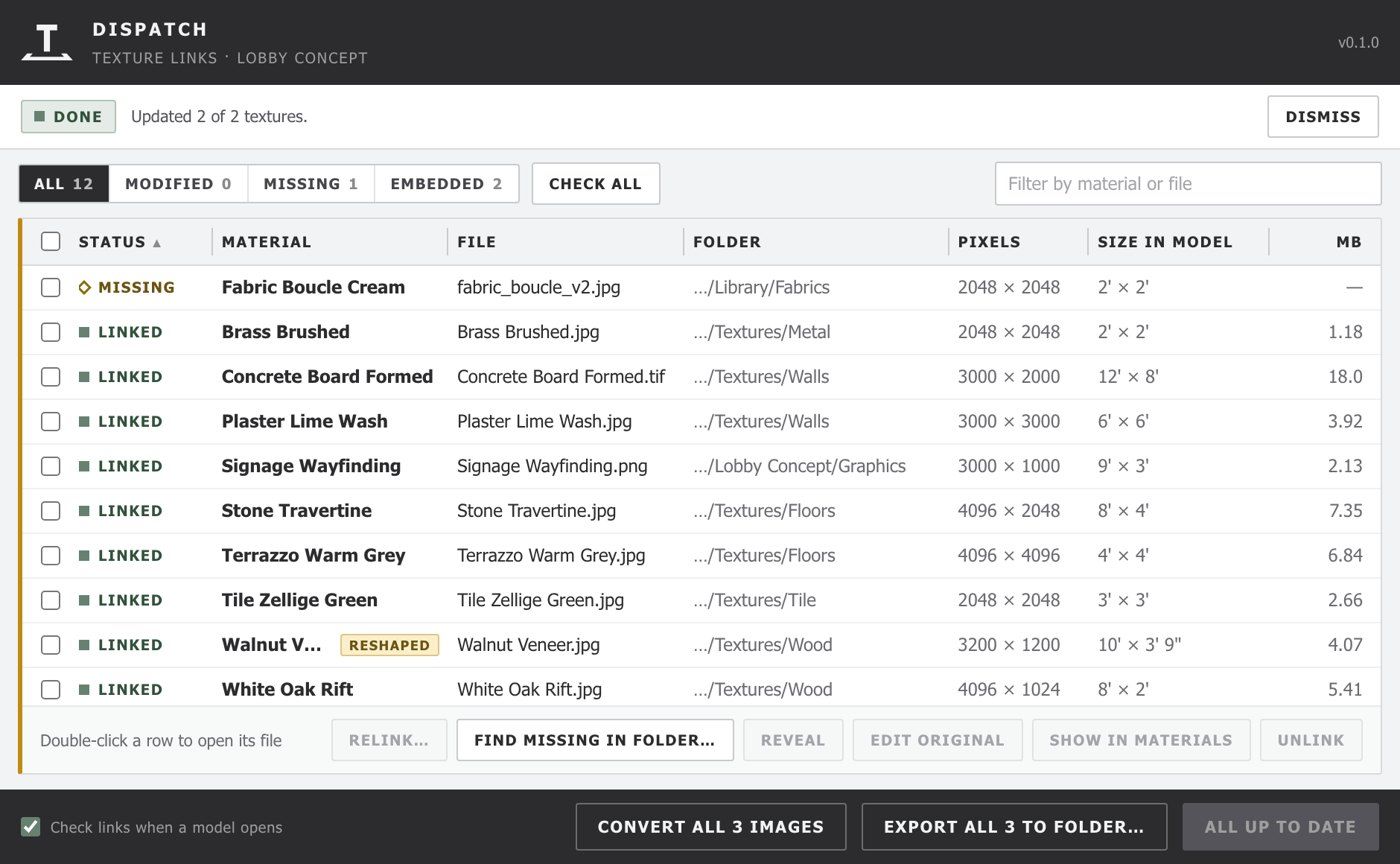
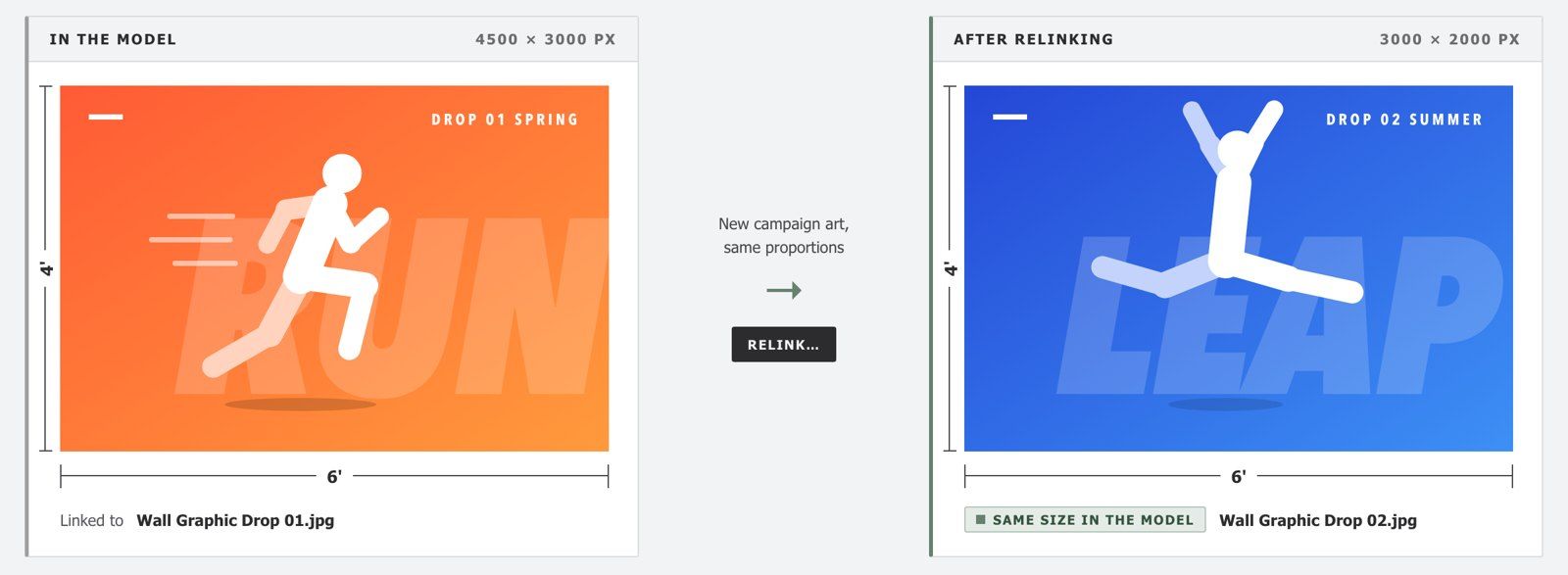
SketchUp copies every texture into the model and forgets where it came from, so a retouched image means finding it, replacing it by hand, and fixing its size. Dispatch links each texture to its image file, the way InDesign links placed images. Save a retouch in Photoshop and the texture turns amber in the panel. Press Update and the new image goes in at exactly the same size in the model, even if it was saved at a different resolution.
Free. SketchUp 2026 for Mac; Windows still in testing. Installing needs one extra step (see Install).
What it does
Change resolution?
Convert Placed Images
Relink
Every texture, and nowhere to find it
A SketchUp model keeps its own copy of every image and only a note of where it came from, usually a path on someone else’s computer. Loading a new image into a material resets its size, so every retouch has to be scaled again by hand or it lands wrong on every face that uses it. And in a folder of textures someone is retouching, nothing tells you which ones in the model are now out of date.
How it works
01
Export once
02
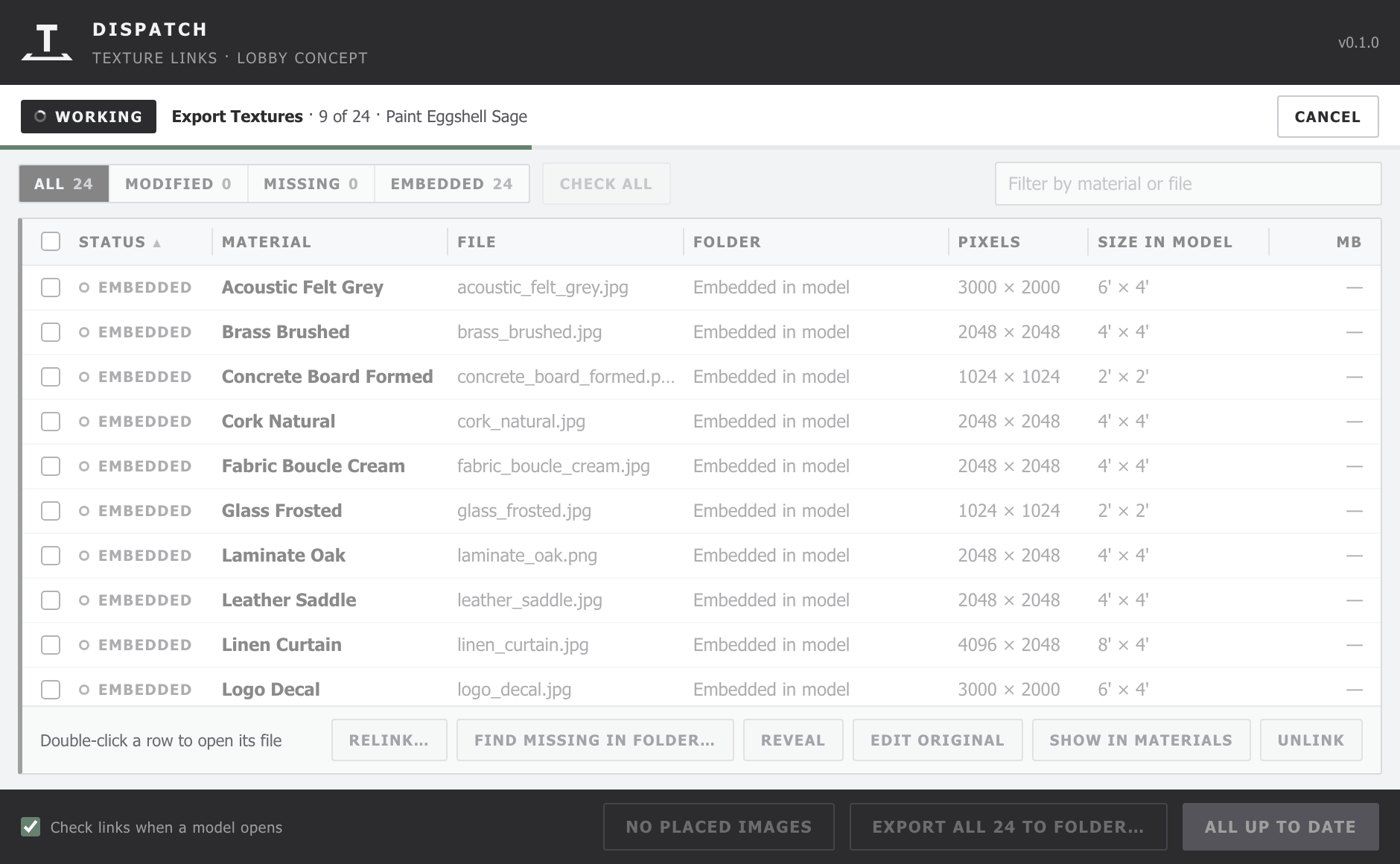
Work on the images
03
Update
New content? Just relink.
Save a texture back at a new resolution with the same proportions, and it keeps exactly the same size in the model. Save a 1,024 × 683 texture at 2,048 × 1,366 and it gets sharper while nothing in the model moves. It works downward too, and lighter textures keep the file small. If the proportions change because the image was cropped or its canvas extended, Dispatch keeps the same pixel density instead, so the bricks stay the size they were, and it flags the row Reshaped for someone to check.
What it handles
The panel
Links travel with the model
Missing files
Told when a model opens
It keeps what it should
Works with V‑Ray
Placed images become textures
Long jobs stay responsive
Install
01
Download
02
Install in SketchUp
03
Confirm it
04
Restart SketchUp
Good to know
- Linked, not live.
SketchUp always keeps its own copy of each image in the model. Dispatch checks for changes and updates when you ask, or when you accept the prompt as a model opens. - Save the model first.
Links are stored relative to the model’s folder, so a model that has never been saved can only use full paths. - Crop and rescale in one go?
Dispatch can’t tell that from a crop, so the row is flagged Reshaped rather than trusted. - Exported JPEGs are saved again.
A file can come out a little larger. Spot checks showed no visible change. - Converted images in the viewport.
When they’re small on screen, they can look a little lighter. Renders are unaffected.
Requirements
- SketchUp 2026 for Mac (older versions haven’t been tested)
- A 44 KB download
- Free: no license, account, or trial
Windows is being tested now.
Want to know when it’s ready? Tell us.
Also from Terminal: Preflight
Learn more